Build · Workflow & Systems Design
Workflow & Systems Design
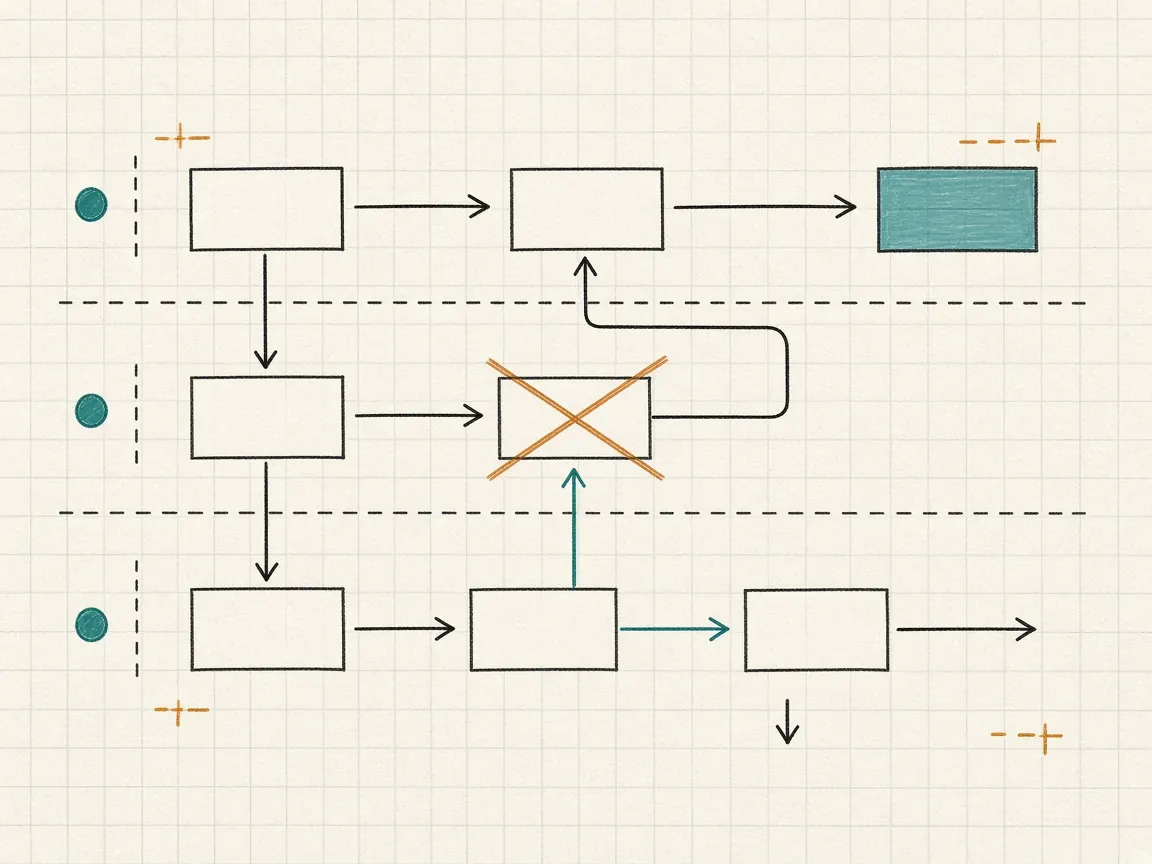
Tools fail at the boundaries: phone to ticket, lead to opportunity, opportunity to customer. We design those boundaries, then build the integrations and internal tools that carry them.
When it fits and when it doesn't
When it fits
- Data re-keyed between two systems by hand every day.
- A process that only works because one person remembers the steps.
- A platform that covers most of the job and a gap no subscription fills.
When it doesn't
- The problem is which platform to buy. Start with the assessment.
- You need a large bespoke product built from scratch. Our builds serve an operating workflow, not a product roadmap.
How it runs
What a typical engagement looks like.
Typical, not promised. The shape is set with you once we have seen the stack.
- Cadence
- Mapping sessions with the people who do the work, then design reviews, then build with a working demo at each step.
- Who is involved
- The owners on each side of the handoff, and your systems or IT lead for access and integration decisions.
- How it ends
- With the redesigned workflow live, the integration or internal tool in production, and documentation your team can maintain.
What you get.
- Current-state workflow map with manual steps marked
- Redesigned workflow and integration specification
- Working integration or internal tool
- Runbook for the owner on your side
Questions we get about this
Do you build custom software?
Yes, when a platform is the wrong shape for the step. Integrations and internal tools are scoped inside the same engagement so the build stays tied to the workflow.
Do you prefer low-code tools or custom code?
Whichever your team can own afterward. We often start with the automation layer you already pay for and build custom only where it is clearly better.
How much of our team's time does mapping take?
Short sessions with the people who do the work, typically a few hours spread over the mapping phase. We do the documentation between sessions.